Define a testable question
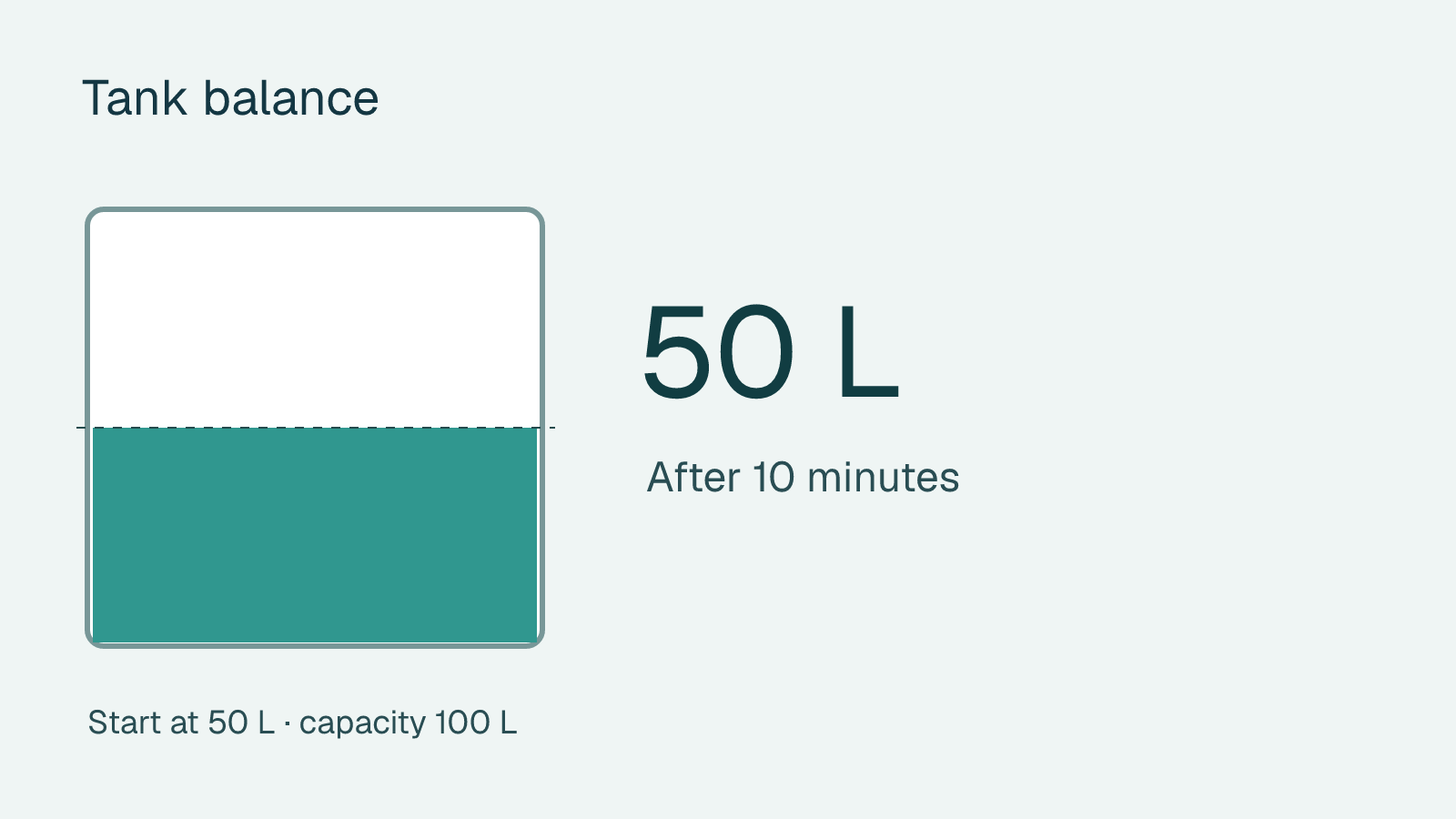
Choose one task the audience can complete in a few seconds. For a tank simulation, define the starting volume, capacity, inlet rate, outlet rate and time units. Specify what happens at empty and full.
Create and test the block
Open the interactive block collection and choose to create a custom block with AI. Review its proposal and try the controls. Equal inlet and outlet rates should keep the starting volume steady. A larger outlet should lower it.
Deliver a working example
Save, reopen and retest the starting state. Share the Tessuvi presentation for a live experience. When handing over a PowerPoint or PDF, explain that it contains a picture of the initial state.
Example brief
How do I check an AI-built calculation?
Write down a normal case and two limits before generation. Equal flows should leave a tank’s volume steady. An empty tank should never fall below zero, and a full tank should stop rising.